A cable is supposed to beat wireless, so it’s confusing to find your Ethernet slower than WiFi. The most common reason is simple: something is limiting the wired connection to 100 Mbps, such as a damaged cable, an old port or a slow USB adapter. Modern WiFi can easily beat that. Here’s how to find the cause and get your wired speed back.
Step 1: Check your Ethernet link speed
This shows what your wired connection has negotiated with the router:
- Windows 11: Settings → Network & internet → Ethernet. Look for Link speed.
- Windows 10: Settings → Network & Internet → Status → Properties. Look for Link speed.
- Mac: System Settings → Network → Ethernet → Details → Hardware. Look for Speed.
| Link speed | What it means |
|---|---|
| 10 or 100 Mbps | Something is limiting the connection. A cable problem is the first suspect. |
| 1 Gbps (1,000 Mbps) | Normal. Your connection should reach about 940 Mbps. |
| 2.5 Gbps or higher | A multi-gig connection, needed for plans above 1 Gig. |
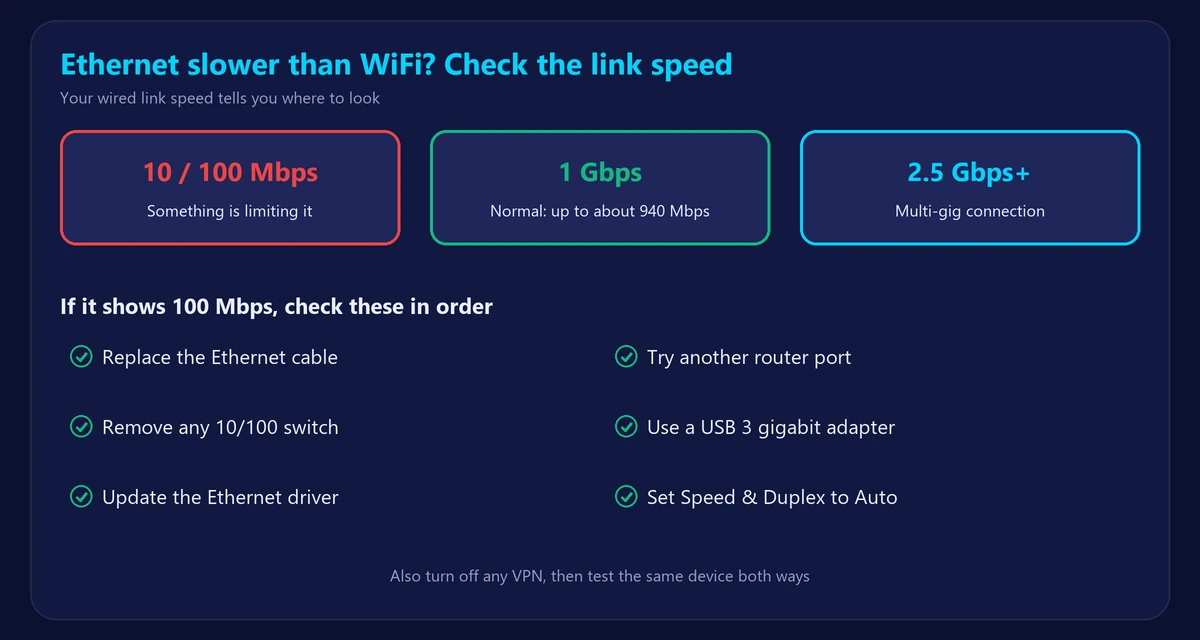
Why Ethernet can be slower than WiFi
1. A damaged or old cable
Gigabit Ethernet needs all eight wires in the cable. If one pair is damaged, the connection often falls back to 100 Mbps. Replace the cable with a new Cat 5e or Cat 6 one and check the link speed again. This is the easiest fix, so try it first.
2. An old router, switch or port
Some older routers and many cheap switches have only 10/100 ports. Plug directly into the router to rule out a switch, and try a different port.
3. A slow USB or dock adapter
Many inexpensive USB Ethernet adapters are limited to 100 Mbps. USB 2.0 can’t reach full gigabit either. Use a USB 3 gigabit adapter if your laptop has no Ethernet port.
4. Outdated drivers or adapter settings
On Windows, open Device Manager → Network adapters and update your Ethernet driver. In the adapter’s Advanced properties, make sure Speed & Duplex is set to Auto Negotiation.
5. A VPN or security software
Your computer may run a VPN or security filter on Ethernet but not on your phone’s WiFi. Turn it off and test again.
6. Your plan is faster than gigabit
On a plan above 1 Gig, a standard gigabit port tops out at about 940 Mbps, while WiFi 6E or WiFi 7 can go higher. Here, WiFi really can win unless you use multi-gig ports.
7. Different devices or different test conditions
If you compare WiFi on one device with Ethernet on another, you may simply be seeing a device limit. Test the same device both ways, one straight after the other.
How to test properly
- Pause downloads and backups on your network.
- Run our speed test on WiFi.
- Turn WiFi off, plug in the cable and run the test again on the same device.
- Compare ping as well: Ethernet should be steadier. Use our ping test to check jitter.
Is Ethernet really better?
Usually, yes. Even when WiFi matches its speed, a cable normally gives lower ping and less jitter, which matters for gaming and video calls. Read the full comparison in Ethernet vs WiFi.
Frequently asked questions
Why is my Ethernet capped at 100 Mbps?
Usually because of a damaged cable, a 10/100 port or switch, or a slow USB adapter. Replace the cable first, then test other ports.
Does a longer Ethernet cable reduce speed?
Not within the standard limit of 100 meters (328 feet), provided the cable is in good condition.
Which Ethernet cable should I buy?
Cat 5e or Cat 6 is enough for plans up to about 2.5 Gbps. Cat 6A is a good choice for 10 Gbps.
Why is my wired connection slow on every device?
Then the problem is probably the router, the modem or your provider. See why your internet is suddenly slow.