Every speed test shows two main numbers, but what’s the actual difference in download vs upload speed? Download speed is how fast data comes to you. Upload speed is how fast data goes from you to the internet. Most daily activity depends on download, but video calls, live streaming and sending large files rely on upload. Here’s what each one does and how much you need.
Download vs upload at a glance
| Download speed | Upload speed | |
|---|---|---|
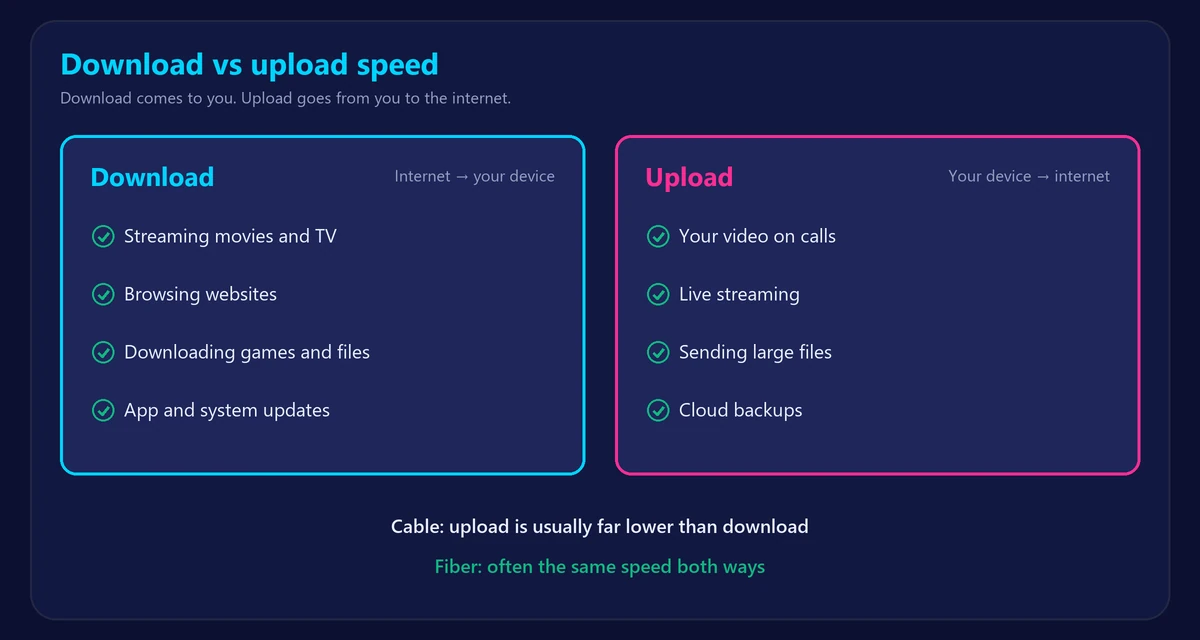
| Direction | Internet → your device | Your device → internet |
| Used for | Streaming, browsing, downloading files and games | Video calls, live streaming, sending files, cloud backups |
| Good speed for most homes | 100+ Mbps | 10–20+ Mbps |
| Typical on cable plans | Much higher | Much lower |
| Typical on fiber plans | Often equal to upload | Often equal to download |
What is download speed?
Download speed measures how quickly your connection receives data. Watching a movie, opening a website, updating an app and installing a game all use it. It matters most when several people are streaming or when you download large files. See what a good internet speed is.
What is upload speed?
Upload speed measures how quickly your connection sends data. It carries your camera and microphone on calls, your live streams and the files you send to the cloud. When upload runs out, your video freezes for others even if your download looks great. Read what a good upload speed is.
What each activity uses
| Activity | Download | Upload |
|---|---|---|
| 4K streaming | 15–25 Mbps | Very little |
| HD video call | 2–4 Mbps | 2–4 Mbps |
| Online gaming | 1–5 Mbps | Under 1–2 Mbps |
| Live streaming in 1080p | Very little | About 3–8 Mbps |
| Cloud backup | Very little | As much as you have |
| Downloading a game | As much as you have | Very little |
Why is upload usually slower than download?
Most people download far more than they upload, so cable and DSL networks give most of their capacity to download. That’s called an asymmetric connection. Fiber can offer the same speed both ways, which is called symmetric. If your upload seems unusually low for your plan, see why your upload speed is so slow.
Which matters more?
- Streaming and browsing: download.
- Remote work and video calls: both, so don’t ignore upload. See internet speed for working from home.
- Online gaming: neither very much. Low ping matters more. See how to lower ping.
- Content creation and backups: upload.
A full upload can slow your downloads too
When a backup or large upload fills your upload capacity, your connection struggles to send the small confirmations that keep downloads flowing. Downloads, calls and games can all suffer, and ping can jump. Pause big uploads, or use QoS in your router, if everything suddenly feels slow.
How to check your download and upload speed
- Run our free speed test, which measures both, plus ping and jitter.
- Compare the results with your plan.
- Use our Is My Internet Speed Good? checker to see what they can handle.
Frequently asked questions
Is download or upload speed more important?
For most people, download. But if you work from home, make video calls or stream live, upload matters just as much.
Why is my upload faster than my download?
It’s unusual. It can come from congestion at that moment, a device or WiFi problem, or the test server. Test again on a cable, then at another time.
Does upload speed affect gaming?
Only slightly in normal play, because games use little. But a full upload from another device can raise your ping and cause lag.
What is a good download and upload speed?
For most homes, 100 Mbps or more download with 10–20 Mbps or more upload is comfortable.